
Admin Center
Find and use the Admin Center, the central location for managing every aspect of your Joy account.
The Admin Center is where you manage all aspects of your Joy account. Think of it as the control room where all your administrative tools are organized in one place.
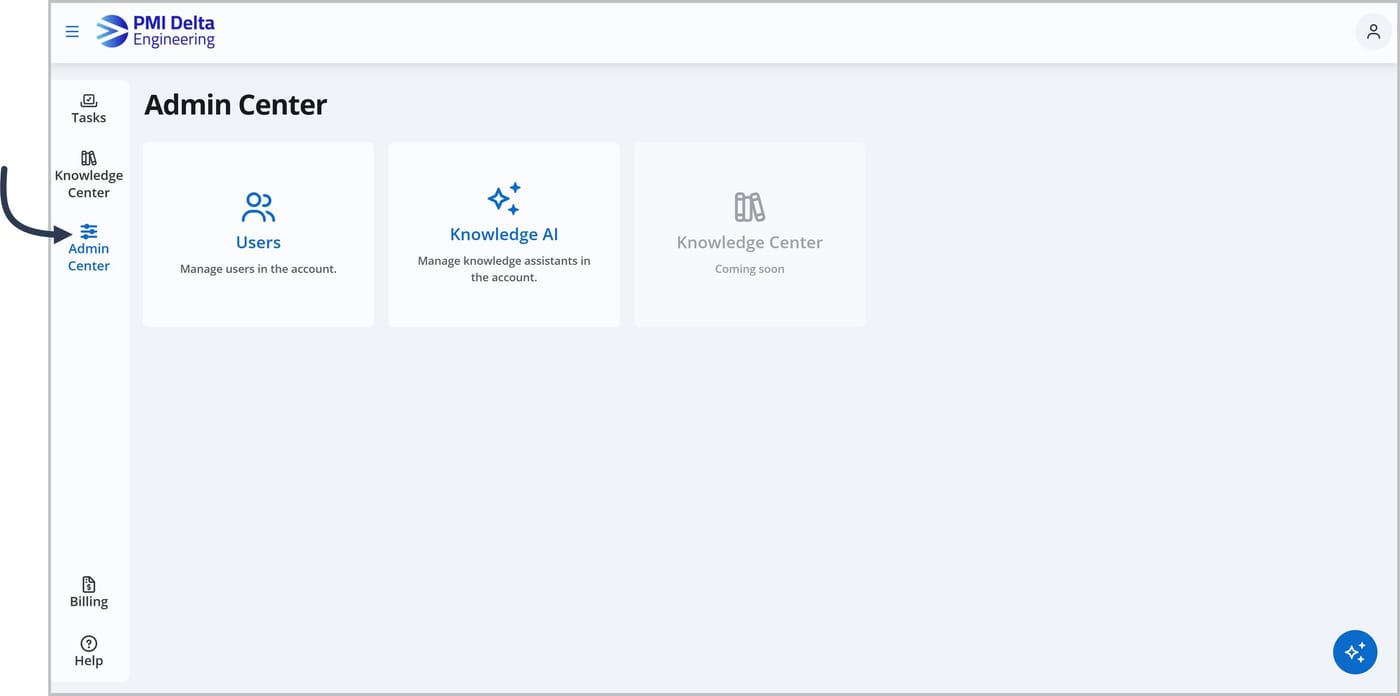
Getting to the Admin Center
You can access the Admin Center from the main menu.
Global account options (coming soon!)
For settings that impact your entire Joy account, such as branding, click the Options dropdown.
Branding
Customize how your Joy account looks with your organization's logo, a custom login page image, and default header images.
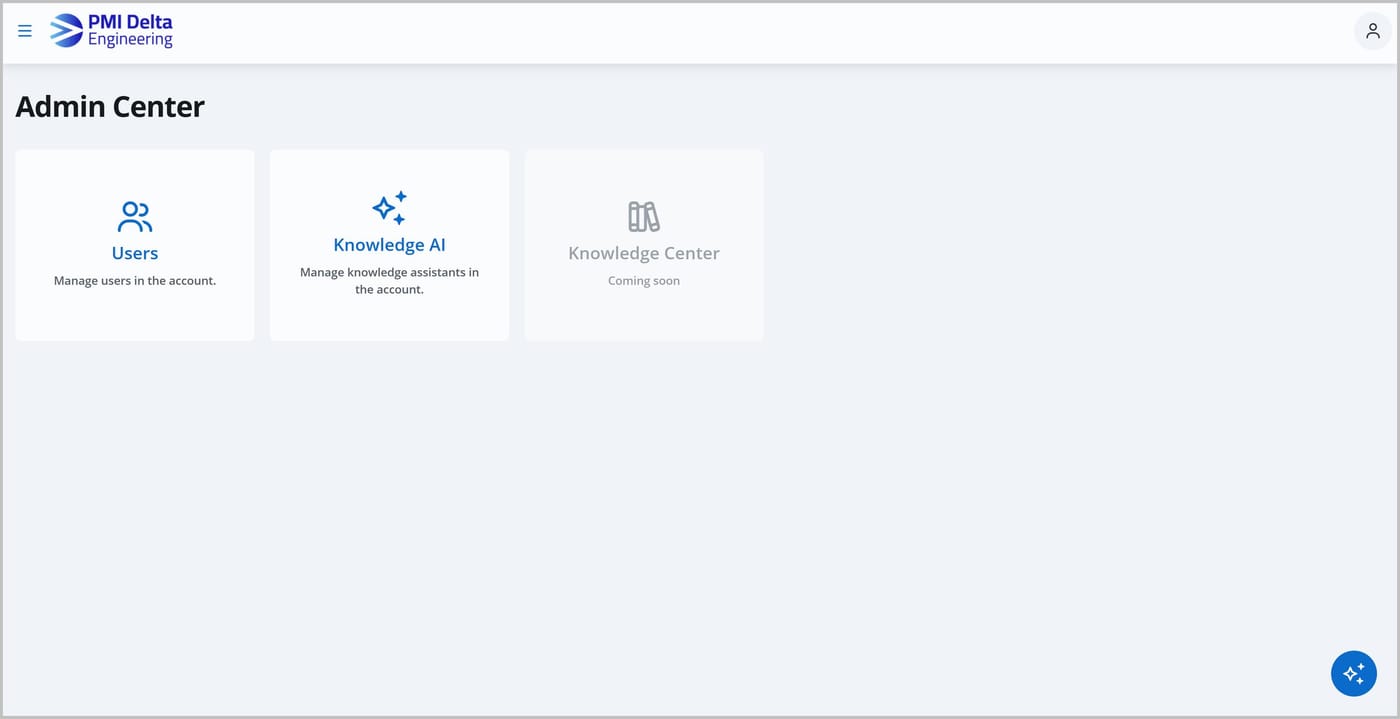
Management areas
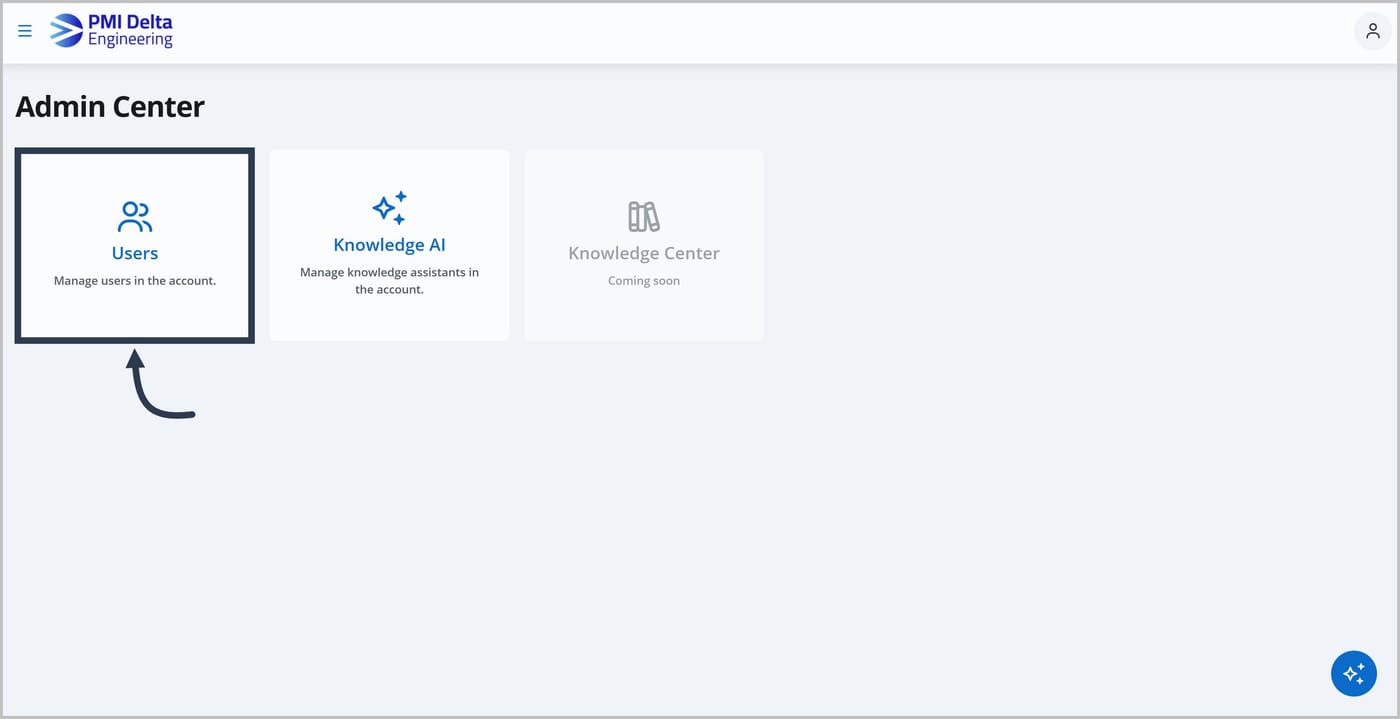
To view and manage specific parts of Joy, such as your users, click the relevant card.
Users
Add, view, and manage the users in your account.
Knowledge Assistants
Create, view, and manage your account's Knowledge Assistant.