
Introducing JoySuite AI
Your organization knows a great deal, and most of it is hard to get at. It sits in policies, manuals, old courses and the heads of a few experienced people. Your learners want to grow their skills, and skills come from practice, which has never been easy to offer at scale. And your LMS is full of answers about your people that you can only reach through a report and a spreadsheet, while the routine work of running it still lands on you.
JoySuite AI is an assistant built on your own content and systems. It gives everyone accurate, cited answers, gives learners a way to practice on demand, turns a plain question into a chart or dashboard, and takes the manual work off your hands. Join us for sixty minutes, most of it in the live product, to see it work.
- Date
- Time
- 1:00 PM EDT
- Length
- 60 minutes, including live Q&A
- Cost
- Free to attend · Zoom
Times are Eastern. Your own timezone appears underneath.


Hosted by Dan Belhassen and Chris Wood
Save your seat
Register and we send the join link.
Can't make it live? Register anyway and we'll send the recording.









This session shows you how to go beyond the AI chatbot
Most teams already have access to ChatGPT or something like it, and most of them use it to draft an email or summarize a document. It does not know your policies, your training records or your experts, so it gives different people different answers and never becomes part of how the work gets done.
In this hour we will show you what changes when an assistant is connected to your own content and systems, and what you and your team get out of it. Each capability below comes with a taste of what you will see on screen.
-
Get answers from your own content, with the source shown
Ask a question in plain language and Joy answers from the documents and policies you have approved, showing where the answer came from so anyone can check it. Everyone gets the same answer, and the people who used to field those questions get their time back.
-
Turn a question into a chart or dashboard
Ask for completion by department or overdue training by manager and Joy builds the chart or dashboard on the spot from your connected systems, ready to drill into or share.
-
Learn and practice on demand
Anyone on your team can rehearse a difficult conversation, get coached through a new concept or test themselves against your own content, whenever they need to and without waiting for a course. Five learning commands make this possible, and one slash starts a session.
Want to try them before the session? All five are playable on the On-Demand Learning page.
-
Preserve what your experts know
Interview an expert once and what they know becomes an assistant the rest of the team can ask, with every answer cited back to what they said. Their knowledge stays with you after they move on.
-
Connect your LMS and the systems around it
Ask your LMS anything about your learners and courses, then reach into the systems beside it. Joy can review support tickets or lost deals, recommend the training that would help, and assign it from the same conversation. It works with any LMS that has an API.
-
Automate the routine work
Enroll a group, update a set of users or assign training, and Joy shows you exactly what it is about to do before anything runs. Save the sequence as a command and your team can run it by name from then on.
-
A first look at Course Studio
We will close with a short preview of the second phase of JoySuite. Course Studio builds courses from the content you already have, anything from a straightforward lesson to a software simulation, a branching scenario or an interactive 3D model, and you launch them from your LMS.
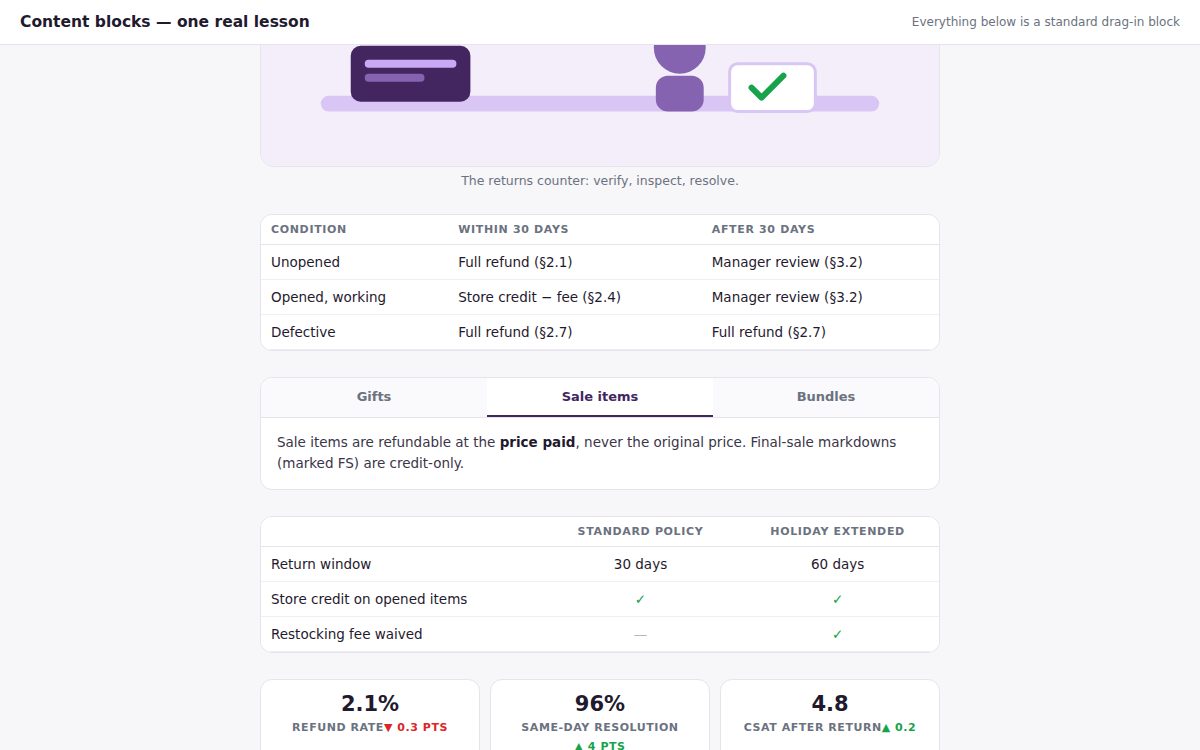
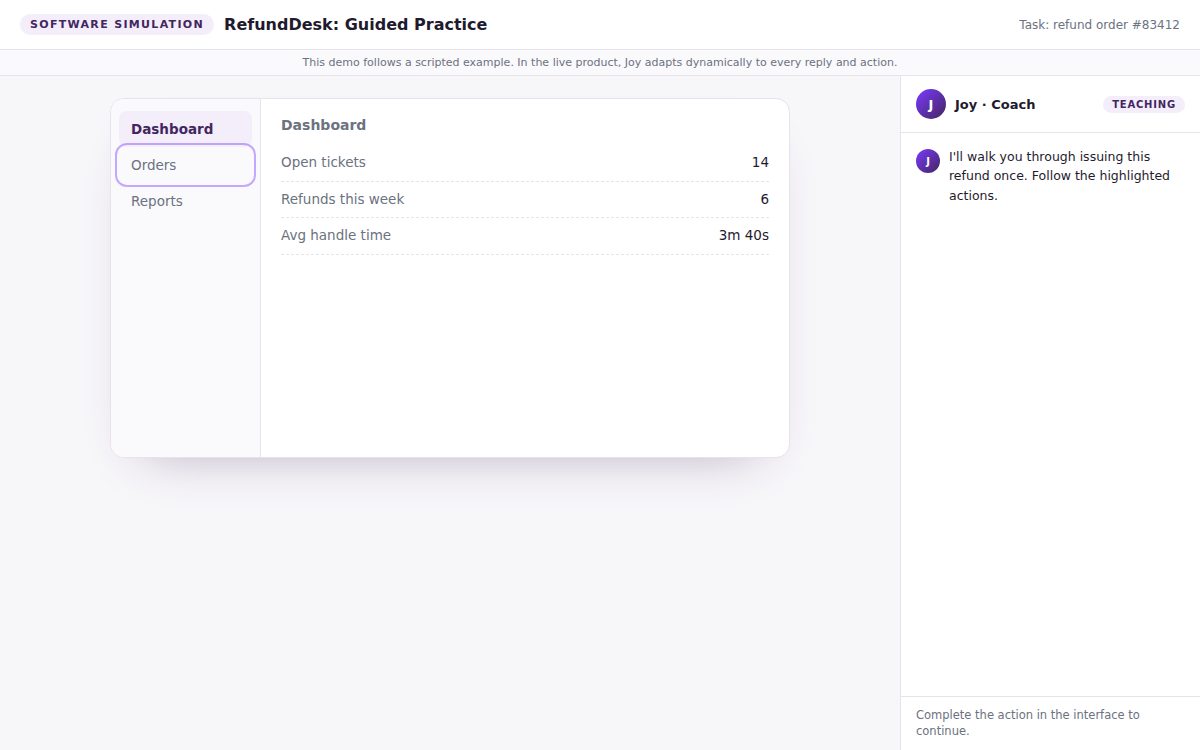
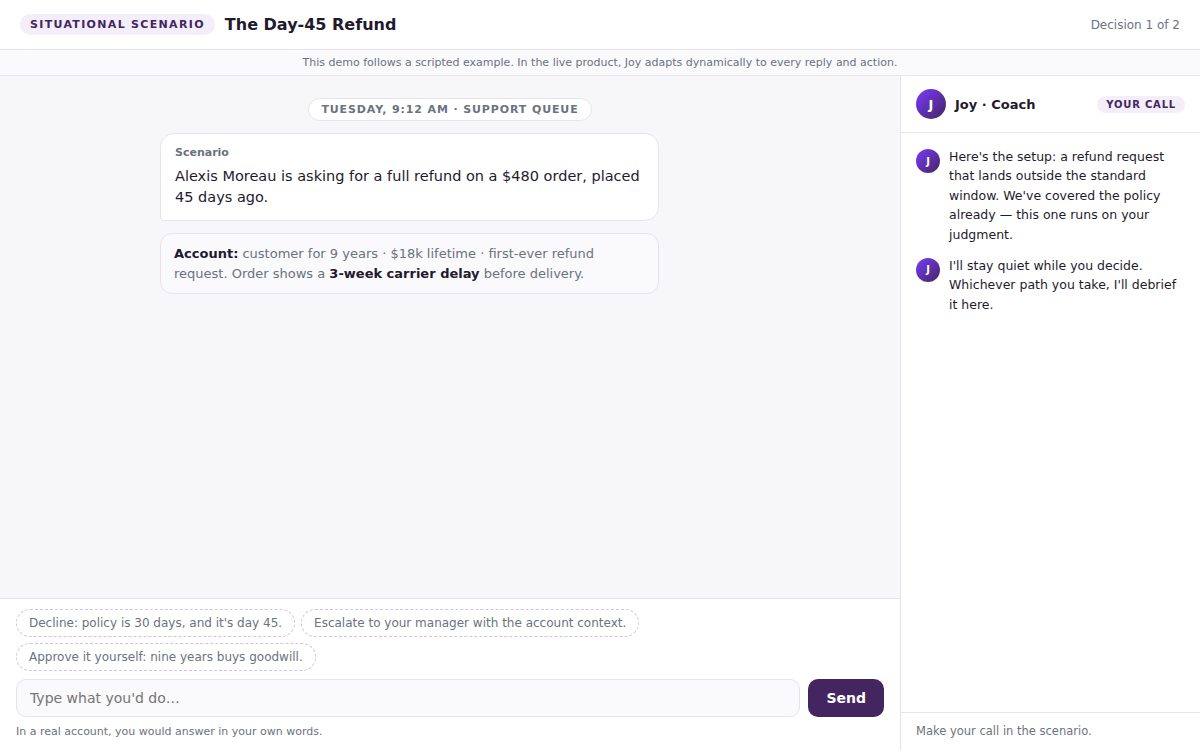
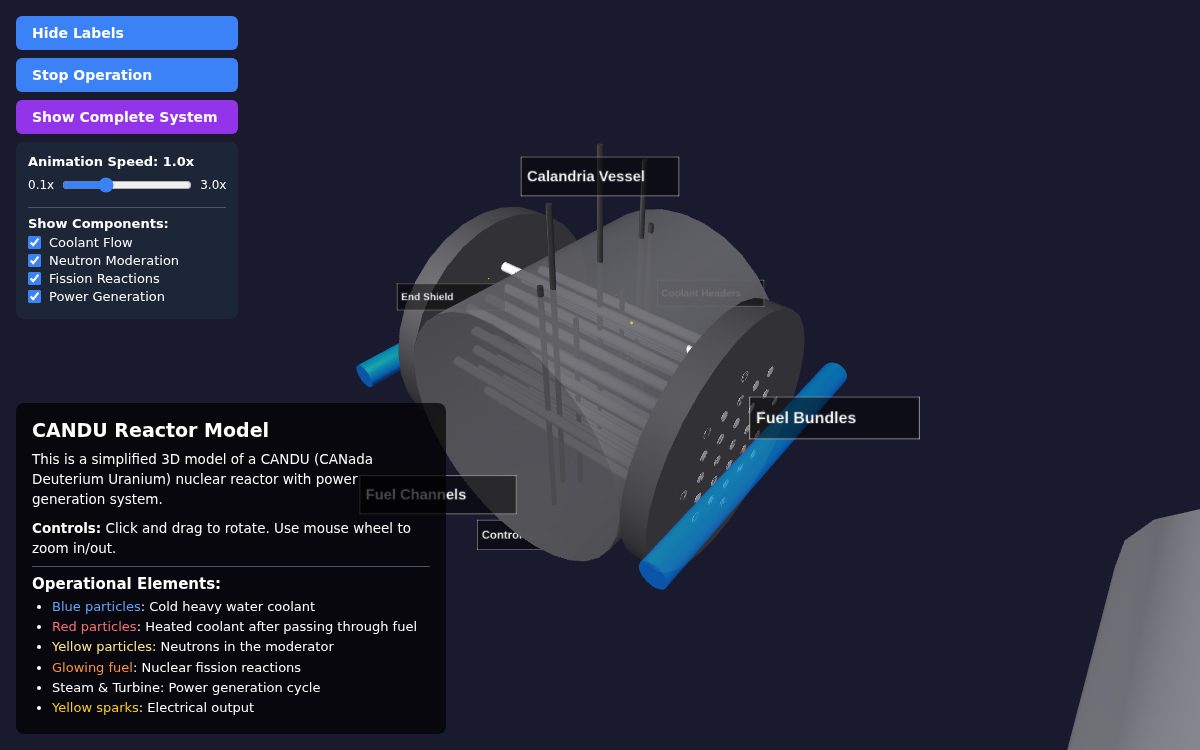
We will run a live poll on how your team uses AI today, and we take questions throughout the session.
Save your seat
The session is free, and everyone who registers receives the recording.
Built by the team behind SmarterU and OttoLearn
Neovation has spent fifteen years building learning software for hundreds of organizations. JoySuite brings that experience to the knowledge your company already has.
Dan Belhassen
Founder & CEO, Neovation
Dan founded Neovation and has spent his career chasing one question: why is it so hard for people to find what their own company already knows? Decades of learning technology later, JoySuite is his best answer yet.
Chris Wood
Leader, Client Success Team, Neovation
Chris leads the Client Success team, working with clients on everything from day-to-day support to getting more out of the platform. He is known for looking for the question behind the question.
Before you register
Does it work with my LMS?
Yes, if it has an API. JoySuite connects to SmarterU and a range of other systems out of the box through its connector library, and to anything else through its API. We show the connection during the session.
Do I have to roll this out to my whole team?
No. Most people start by using Joy themselves against their own systems and roll out later, once they have seen what it does. The first half of the session covers exactly that, and the free trial works the same way.
What if I cannot attend live?
Register anyway. We send the recording to everyone who signs up, whether or not you make it on the day.
What does it cost?
Attending is free. JoySuite starts at $25 a month with unlimited users, and onboarding is free. We cover this briefly at the end of the session, and the full breakdown is on the pricing page.
Do I need to prepare anything?
No. It helps to have a question or two about your own training data ready for the Q&A.
Is this a sales pitch?
It is mostly live product. There is a short section at the end on pricing and how to get started, and then we take questions.
Save your seat
October 15 at 1:00 PM Eastern. The session is free, and everyone who registers receives the recording.
Register now