Key Takeaways
- Embed microlearning into the workflow so employees access answers in seconds without leaving their work context—searchability and on-demand access are non-negotiable.
- Searchability is non-negotiable—learners must find exactly what they need in seconds, not minutes
- On-demand access means learning happens when questions arise, not when training is scheduled
- Performance support and formal training can use the same content library, serving different needs
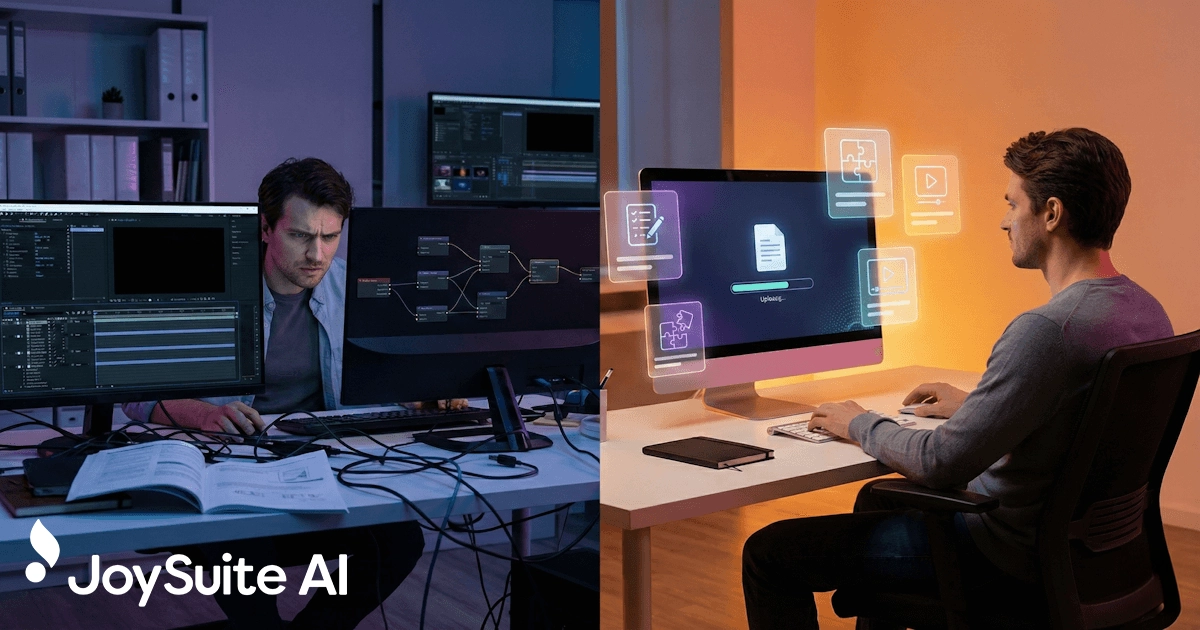
The traditional model of workplace learning treats training as an event. Employees schedule time, leave their work context, complete a course or attend a session, then return to their jobs and try to apply what they learned.
This model has obvious problems. Scheduling is difficult—finding time that works for busy employees often means training gets postponed or compressed. The gap between learning and application means information fades before it's used. And pulling people away from work has real productivity costs.
Microlearning enables a fundamentally different approach: learning that happens within the workflow rather than outside it.
The Shift from Event to Resource
When learning moves into the workflow, it stops being something employees go to and becomes something they access. The difference is significant.
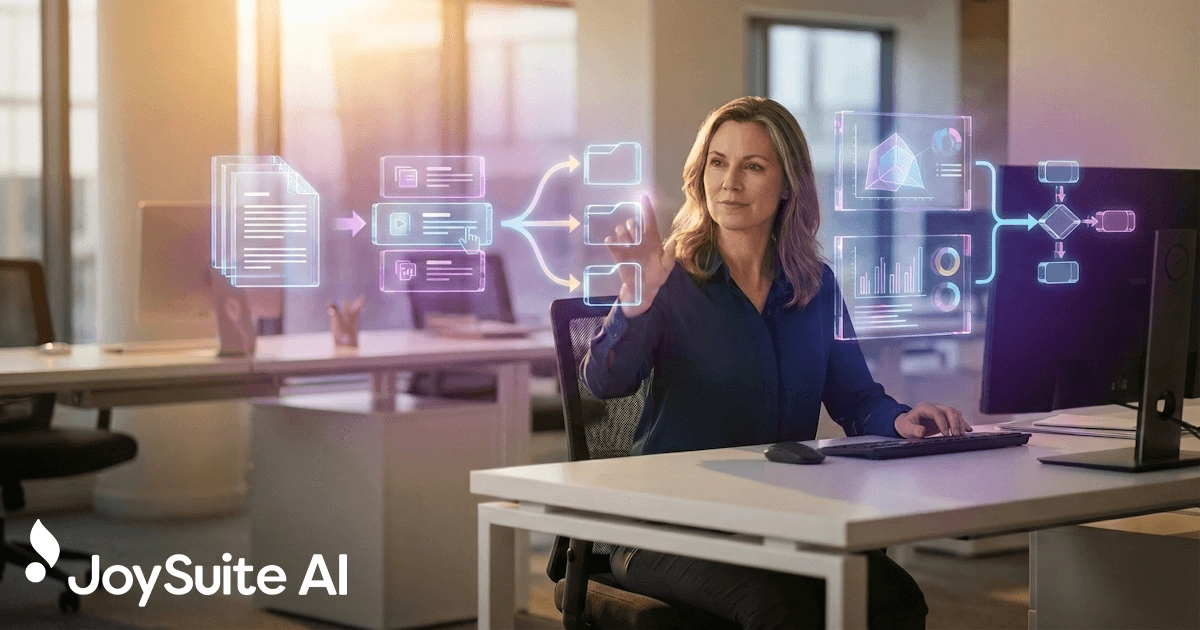
An employee helping a customer has a question about a product feature. Instead of making a note to look it up later—or worse, guessing—they can immediately search for the answer, find it, and continue the conversation. This kind of AI-powered knowledge access transforms how work gets done. The learning happens in context, at the moment of need, and gets applied instantly.
A manager filling out an unfamiliar form searches the knowledge base, finds an explanation, completes the form correctly, and moves on. Total interruption: perhaps thirty seconds instead of an email to HR and hours waiting for a reply.
A technician troubleshooting equipment encounters an error code they don't recognize. The diagnostic steps are immediately available on their mobile device. They resolve the issue without leaving the equipment or calling for help.
In each case, learning and work are integrated. There's no separate training event, no scheduling, no context-switching. The answer appears when needed and gets applied immediately.
Searchability Is Non-Negotiable
For learning to work within the workflow, one feature is absolutely essential: learners must be able to find what they need quickly. This means robust, intuitive search functionality.
It's not enough to let learners browse by course title or navigate menu structures. When someone has a question in the middle of their work, they need to type that question—in natural language, using the words they'd actually use—and get a relevant answer.
The standard for comparison is Google. That's what people are used to. They expect to describe what they're looking for and find it immediately. Corporate learning systems that require navigating complex taxonomies or remembering course codes don't meet this standard.
Effective search means searching within content, not just titles or tags. If an employee searches for "how to process a return without a receipt," the system should find that answer even if it's buried in a module titled "Customer Service Procedures." The search should understand what the person is actually asking.
The On-Demand Advantage
On-demand availability transforms how employees relate to learning resources. Instead of training being something imposed on them, it becomes something they choose to use when it helps.
This shift has psychological benefits. Learners who seek information because they need it are inherently more engaged than learners who complete requirements because they must. The motivation is intrinsic rather than extrinsic.
Learning that happens at the moment of need gets applied immediately. The information is relevant by definition—the learner wouldn't be searching for it otherwise. There's no gap between learning and application where forgetting can occur.
On-demand learning requires that content be available where and when employees need it. This means mobile access for field workers, offline capability for locations with poor connectivity, and responsive design that works on whatever device is convenient.
Performance Support Versus Formal Training
Microlearning in the workflow often functions as performance support—helping employees complete tasks they already know how to do in general but need specific guidance on in the moment. This differs from formal training, which builds foundational knowledge and skills.
The distinction matters for design, but the same content library can often serve both purposes. A new employee might work through a series of modules systematically, building foundational knowledge about products, procedures, and systems. A veteran employee might search the same content library for specific answers to unusual questions.
The new employee is doing formal training. The veteran is using performance support. The content is the same; the access pattern differs based on need.
This dual-use approach is one of microlearning's strengths. Organizations don't need separate systems for training and job aids. Well-designed microlearning content works for both initial learning and ongoing reference.
The Mobile Reality
Much of today's workforce doesn't sit at desks with computers. Retail employees, field technicians, healthcare workers, manufacturing staff—millions of workers are mobile, and their learning solutions need to be mobile too.
Mobile-friendly microlearning meets these workers in their actual environment. A retail employee can check product information on a phone while helping a customer. A technician can pull up repair procedures on a tablet while standing in front of equipment. A nurse can quickly verify a medication protocol without returning to a workstation.
Mobile access isn't just a nice feature—for many workers, it's the only way learning in the workflow can happen. If information isn't accessible on a mobile device, it's not accessible at the moment of need.
This extends to format considerations. Content that works well on a laptop might be unusable on a phone. Effective mobile microlearning is designed with small screens in mind, using formats that are readable and navigable on handheld devices. Workflow-integrated tools make this access seamless.
Reducing Interruption, Maintaining Focus
One objection to any learning during work is that it interrupts productivity. But the relevant comparison isn't between learning and uninterrupted work—it's between different ways of getting needed information.
An employee who doesn't know how to do something will find a way to get the information. They might ask a colleague, interrupting both people's work. They might search the internet, potentially finding inaccurate or inapplicable information. They might guess, potentially making mistakes that cost time to correct. They might escalate to a supervisor, consuming management time.
Compared to these alternatives, quickly finding accurate information in a well-designed learning system is often the least disruptive option. The total interruption is minimal, and the result is correct the first time.
Microlearning in the workflow isn't about adding interruption—it's about handling the interruptions that happen anyway more efficiently.
Building the Habit
When employees have good experiences with learning resources—when they search for something and quickly find a useful answer—they develop a habit of using those resources. The system becomes their first resort rather than their last.
This creates a virtuous cycle. More usage means more feedback on what content is needed and what works. More refined content means better experiences. Better experiences mean more usage.
Evaluate how your team currently finds answers to on-the-job questions. If the answer is "ask a colleague" or "search the internet," there's an opportunity to provide a faster, more reliable resource that builds a learning habit.
Over time, learning in the workflow becomes natural. Employees don't think of it as training—they think of it as how they find answers. The distinction between learning and working dissolves, which is exactly the point.
JoySuite puts learning directly in your team's workflow with AI-powered search that delivers instant, accurate answers from your organization's knowledge base. Instead of navigating course catalogs or waiting for help, employees simply ask questions and get the information they need. Combined with bite-sized learning modules, learning becomes invisible—just part of how work gets done.